Select for a theme
Choose works that contribute to a shared idea, and learn how to explain why they belong together.
Gallery Curator Trainer helps you discover how artworks become meaningful exhibitions. Short visual challenges. Thoughtful feedback. Your own point of view.
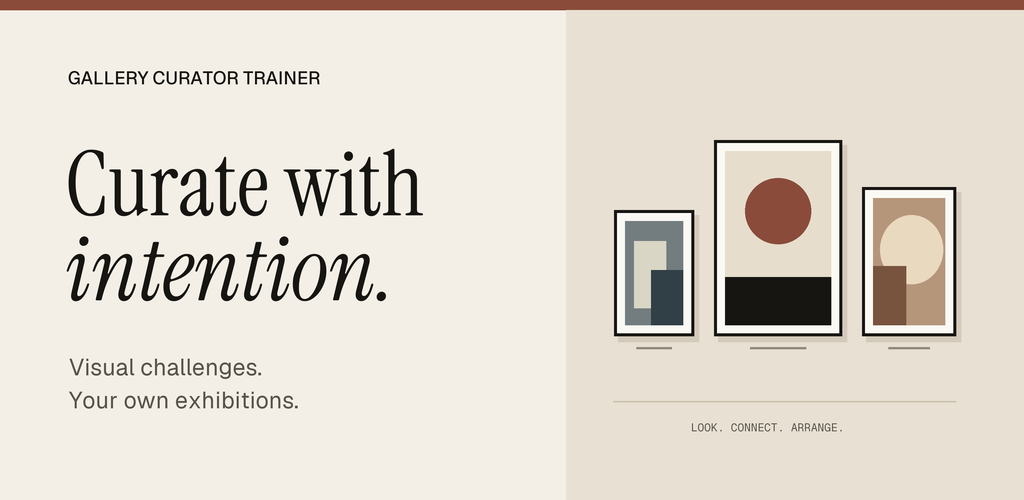
App promotional artwork. All bundled artists and artworks are fictional.
Practise the decisions a curator makes. Try a daily challenge, a mixed round or a skill-focused session, then use what you learn to build a mini exhibition.
Contact us for the current release and installation details.
250 challenges explore the decisions behind an exhibition. Feedback is educational and interpretive, with room for more than one defensible answer.
Choose works that contribute to a shared idea, and learn how to explain why they belong together.
Explore how the order of artworks can create rhythm, a narrative or a change of mood.
Notice relationships in colour, form, composition and concept.
Consider which work stands apart and what that difference brings to a group.
Put different works into conversation and discover when tension becomes productive.
Practise alignment, spacing and visual balance in a gallery arrangement.
Match a work with an exhibition setting and think about how context changes meaning.
Explore the difference between a useful museum label and one that gets in the way.
Choose a theme, select four to eight works, arrange their order, and write a title and statement. Save a draft, return to it later, and share your exhibition as text through an app you choose.
Explore more than 100 fictional artworks. Search and filter by style, mood, concept, palette or orientation. Save favourites and connect your practice with twelve short lessons.
The app has no accounts, advertising, analytics or developer-operated servers. Progress and settings are stored on your device.
The app does not request internet access, your photos, camera, microphone, contacts or location. Optional notifications support daily reminders.
Read the app privacy policyReset practice progress, remove favourites or delete exhibitions. Android backups and any copies you share are managed separately.
Understand your data controls